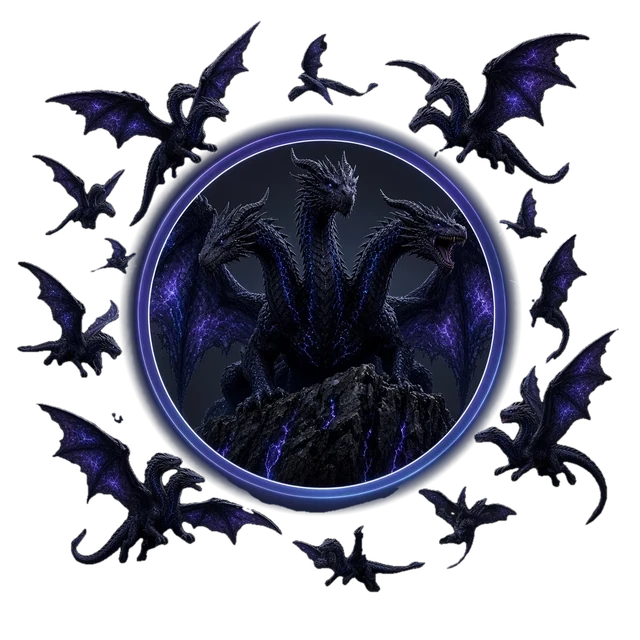
Hydra Prime LLC presents

Three heads. One mind.
Your machine.

HydraBot and Hydra Prime are an AI crew that lives on your own Windows PC, with an Android app on the way. It codes, designs houses and cars in 3D, generates images and video, builds games and web pages, and asks before it does anything that matters. Some parts are still being wired together; the capability map below shows the real status of each one.

Opens a setup wizard: choose your drive and options. Windows may show a SmartScreen warning because the installer isn't code-signed yet.

Runs on your device Voice in, voice out Accept card for risky steps
HydraBot

A desktop companion with a whole studio behind it

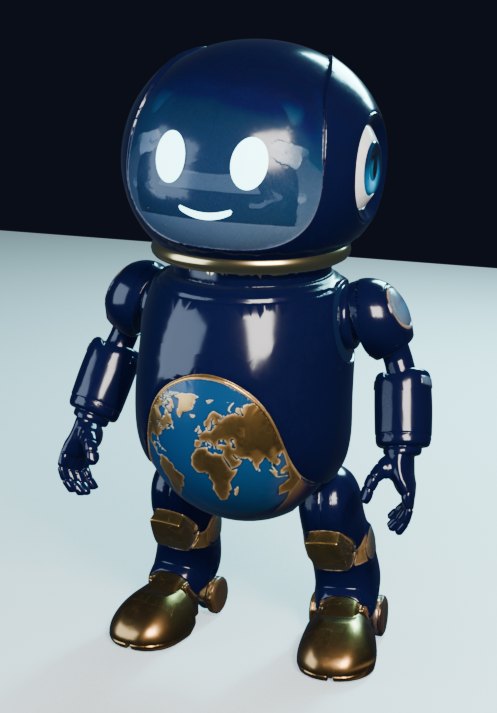
HydraBot is the face of the crew: a small character that lives on your desktop and listens when you talk. Handing each job to the right tool is being wired up now. It comes in three bodies, all real 3D models built for the project.

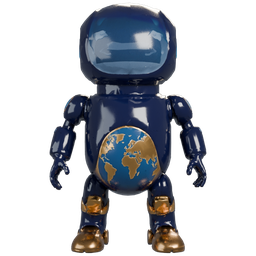
HydraBot pill robot with a glass face and a globe on its belly

Pill form

Glass face screen with glowing eyes, a gold equatorial ring and a globe belly. The default desktop body.
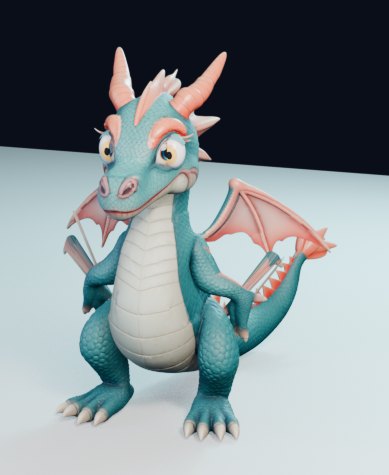
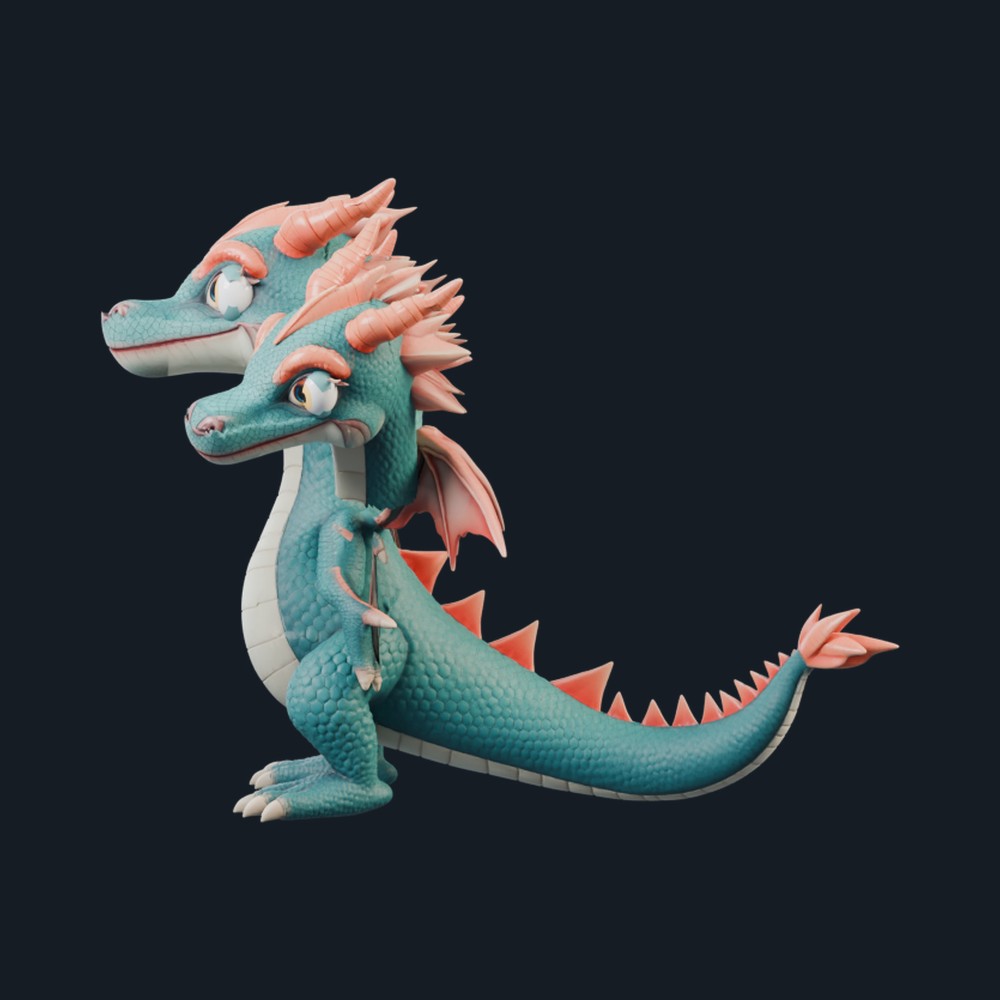
HydraBot chibi teal dragon with coral horns and wings

Dragon form

A small rigged Hydra dragon with talking mouth shapes, the playful alternate body.
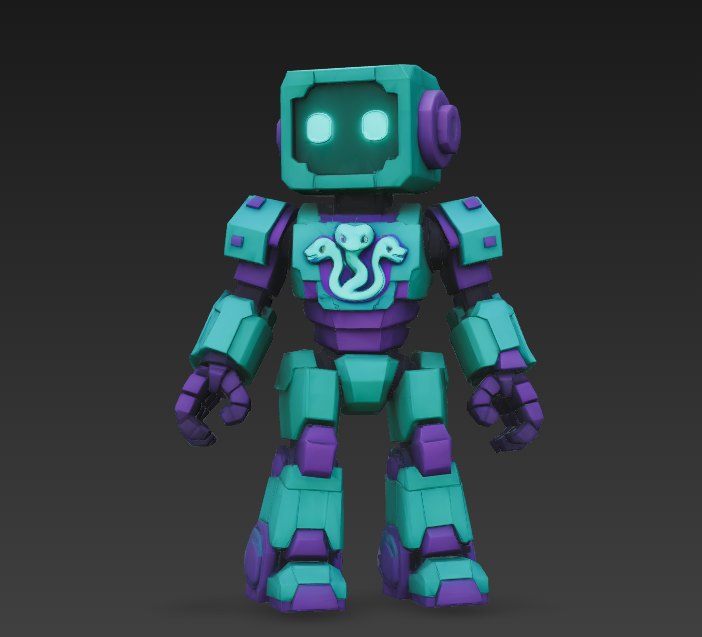
Teal and purple HydraBot robot with a three-headed hydra chest emblem

Robot v1

A blocky teal-and-violet robot with the three-headed hydra on its chest, built for game worlds.

What you can do with it

💻

Coding

Hydra Code, the crew's IDE, codes with Codex, Claude, Gemini and Grok as extra brains, and reuses permissively licensed open-source templates before writing new code.

🎨

Image generation

The gen_hub pipeline makes images and game assets with free local models (ComfyUI SDXL) on your own GPU. No paid API keys.

🎬

Video & films

Hydra Studio drafts the story, scenes and shots, you approve the plan, and it renders stills, motion, voices, the edit and the mix.

🎮

Video game building

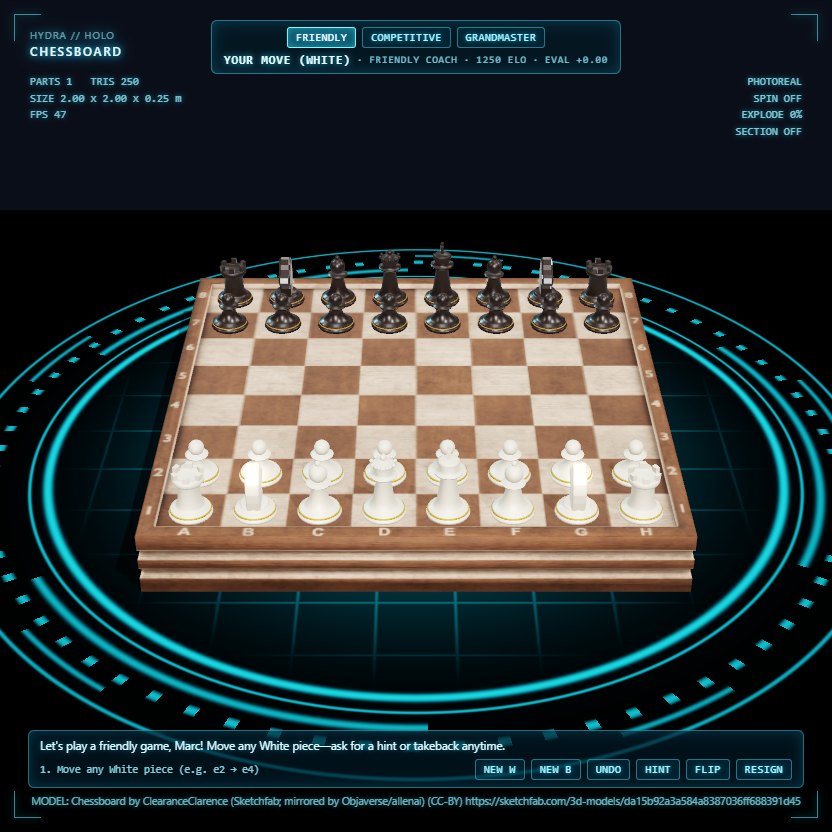
Playable 3D hologram chess with a coach, Minecraft build jobs with receipts and rollback, and game assets on request.

🌐

Web page building

Ask for a landing page in plain words from the Agent Center. This page is the kind of thing it builds.

🏠

3D design & CAD

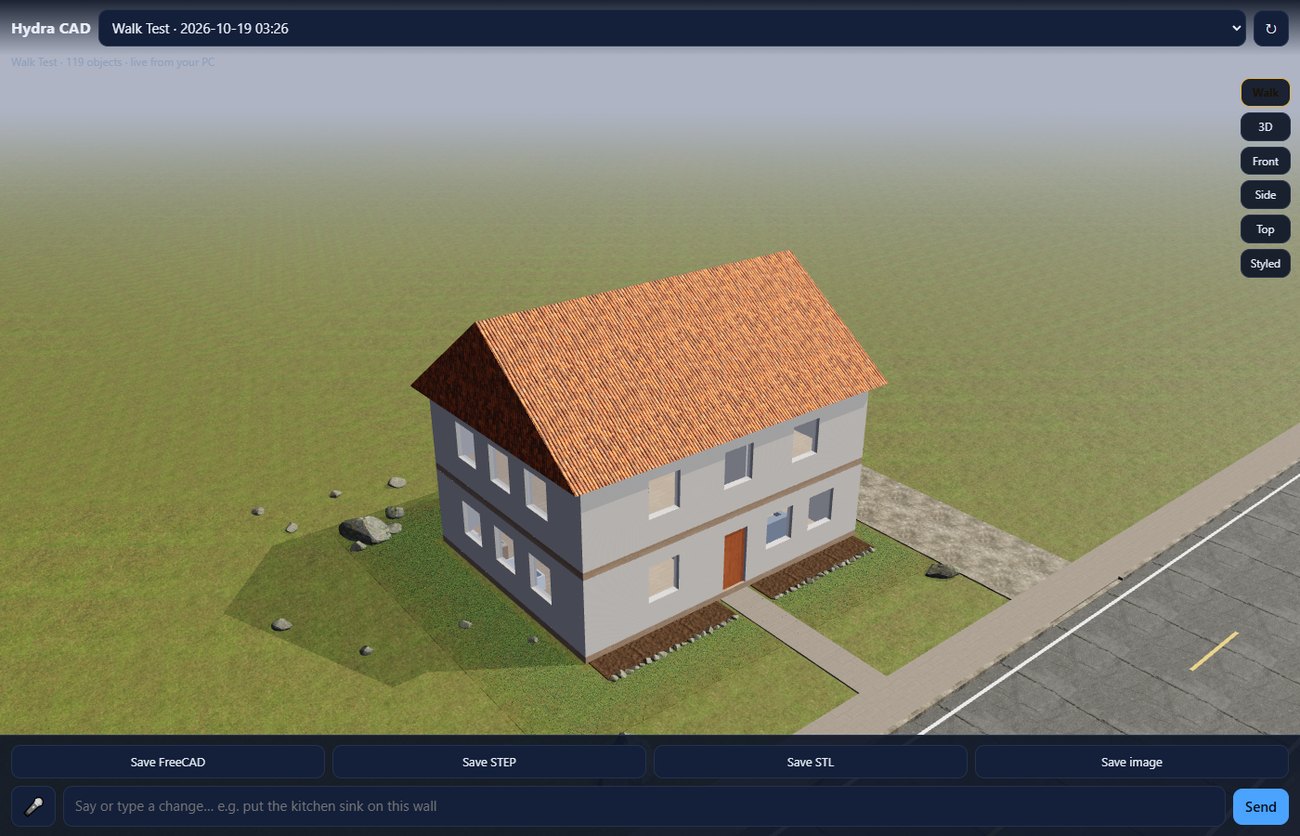
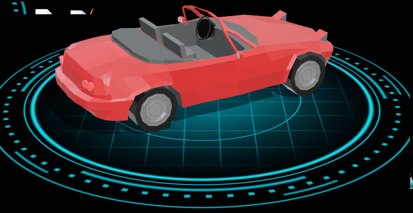
Hydra CAD designs houses, cars and parts in FreeCAD, lets you walk through them in 3D, and exports FreeCAD, STEP and STL.

🔮

Holograms

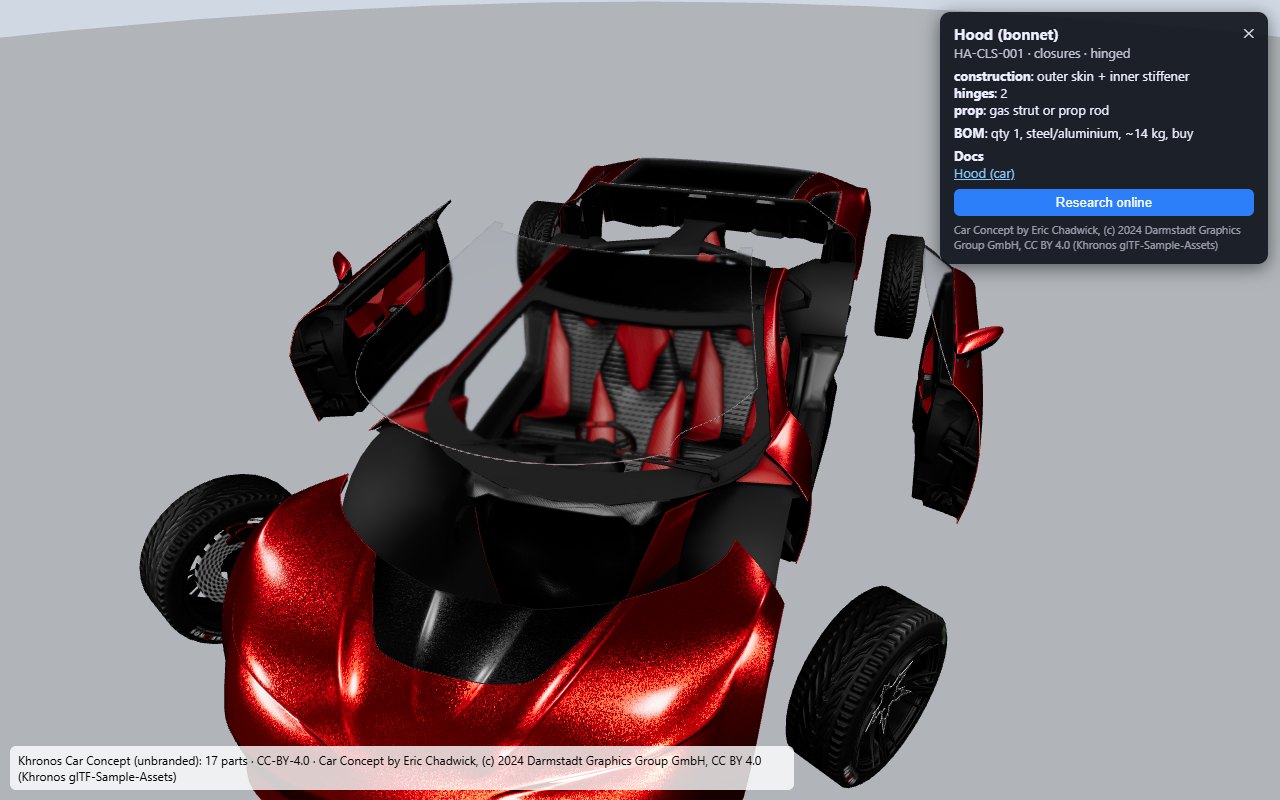
Floating 3D hologram viewer on your desktop with spin, explode, section and isolate views of any model.

🎤

Voice

Talk bar with wake listening, offline voices (Piper, Kokoro) and local speech-to-text models.

📱

Phone companion

Open apps, play music, handle notifications and get a call back on your Android phone, with HydraBot on Hydra Earth.

🗣

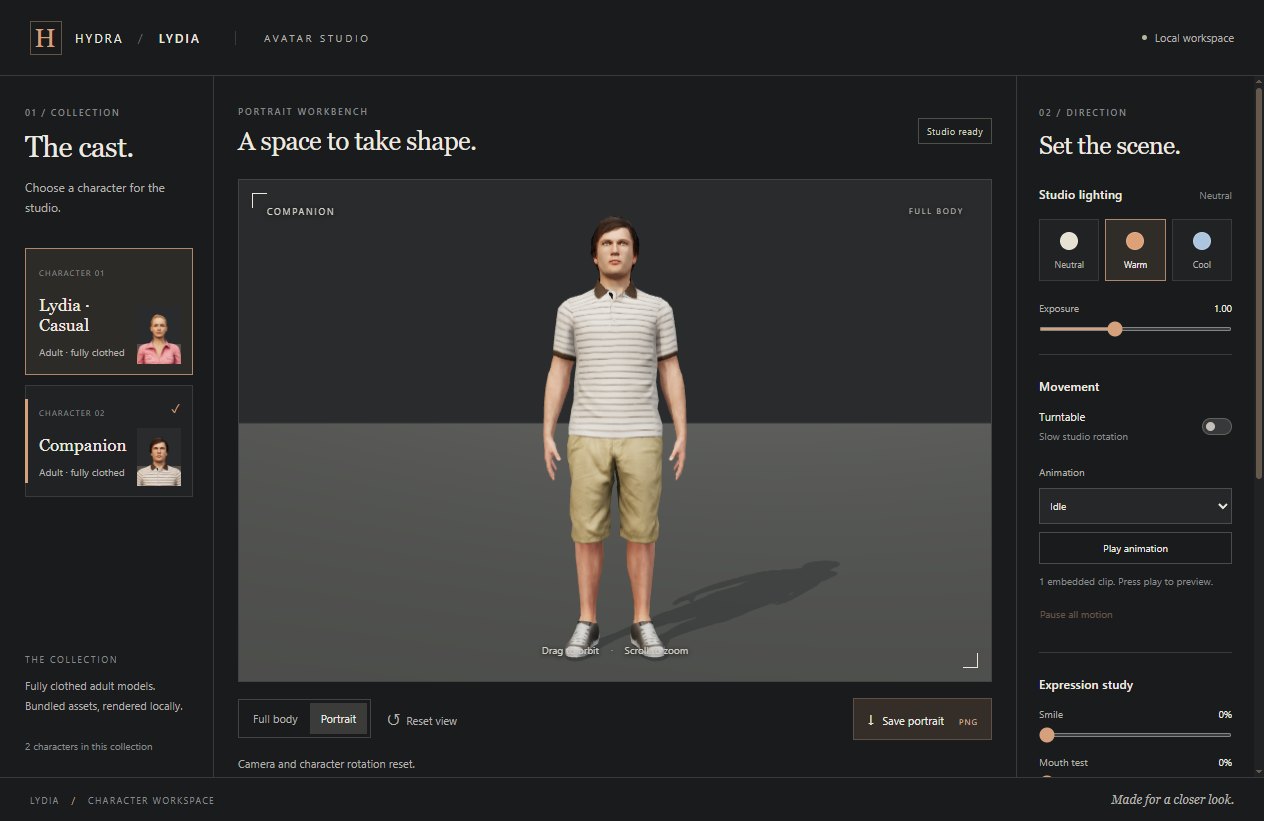
Avatar Studio

A local character workspace with lighting, turntable, animation and expression studies.

✅

Accept cards

The Accept card gate holds anything that spends money, contacts someone, signs up or posts until you approve it. Routing every tool through it is still in progress.

🛡

Backups & guards

Backups before changes, a change guard that vetoes unsafe plans, and kill switches that halt everything.

Capability map · 1 Nov 2026

Every HydraBot function, with its real status

Ready Partial Missing
  • Voice intakePartialPC microphone to the task router works today. The phone route is live and key-protected; the first call from the phone app is next.
  • Task routing & parallel workersReadyThe dispatcher runs hidden with leases, retries and per-lane caps; a watchdog restarts it if it stops or hangs.
  • Web researchReadyFree, keyless web search feeds the council loop with cited sources; web text is treated as data, never as instructions.
  • Coding through Codex, Claude & CursorPartialCodex and Cursor answer through the swarm today; Claude is waiting on a fresh sign-in.
  • Testing & sandboxReadySandbox folders and over 450 automated tests, all passing; changes are tried in a copy first.
  • Monitoring, routines & schedulingReadyOne local scheduler runs every routine on the PC every 5 minutes, hidden, with its own monitor.
  • Spoken status reportsReadyStatus read aloud in an offline voice, on request today; on a schedule once you pick the times.
  • Handoff docsReadyHand-off notes for other agents refresh every hour, with secrets removed.
  • Memory & standing goalsReadyStanding goals are enforced: work that serves no goal waits for your approval, and banned tactics are blocked.
  • Approval gating (Accept card)ReadyGate and card stress-tested over 125,000 runs at 100%.
  • Standing-rule enforcementReadyA rule engine blocks spending, contacting people, sign-ups, live trades and secret reads unless you approve.
  • PC file operations with backupsReadyEvery file change makes a verified backup first; nothing is deleted, only quarantined.
  • Browser tasksReadyA supervised headless browser: every plan becomes an Accept card, and it stops at logins, 2FA and CAPTCHAs.
  • ConnectorsPartialKraken runs paper-only on live public prices. Gmail is draft-only and waits for a one-time sign-in.
  • Paper trading with self-healing guardrailsReadyPaper only. Nothing real is traded.
  • Money review / booksReadyAn hourly read-only review: trade journal, fee drag and warning flags.
  • Trading policyReadyPaper only, with risk caps; any change needs 30 paper-trading days first.
  • Tool server & swarm panelReadyMCP tool server and a swarm panel with 74 tools.

The full stack behind it: 145 inventoried capabilities

19Bridge, lanes & orchestration
15Agent CLIs, chat apps & agents
16Chunking, Hotlink & web-first lookup
12Security, safety & backups
12MarcSmartAI platform
11Testing, measurement & observability
10Desktop control, capture & overlays
9HPL points economy (virtual, no cash value)
8Cortex & brain UI
8Research & design documents
7Skills, plugins & mods
6Voice
6Local models & runtime
6Open proposals

From the HydraBot Capability Map (rechecked 1 Nov 2026: 15 ready, 3 partial, 0 missing) and the Master Capability List (2 Oct 2026, 145 rows). Statuses are reported as measured, not rounded up.

Hydra Prime talk bar

One floating bar. Just talk.

The talk bar sits on top of your work and keeps listening while you do other things. Say what you need and Hydra Prime answers out loud.

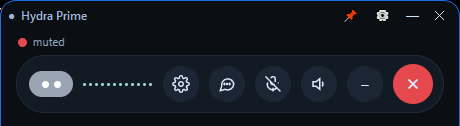
  • Live waveform shows when Hydra hears you and when it is speaking.
  • One-tap controls for settings, transcript, microphone mute and speaker.
  • Clear status: a red "muted" dot means the mic is off, nothing is heard.
  • Pin or minimize it; close it when you are done.
Live capture
Hydra Prime talk bar, light theme, with a live waveform and buttons Hydra Prime talk bar window, dark theme, muted
Captured from the running talk bar on 30 Oct 2026.
Hydra Prime Hub

The control center, locked to your machine

The Hub is the local gateway that runs Hydra Prime's chats, agents, skills and tools. It listens only on loopback, 127.0.0.1:18789, so it is reachable from your own PC and nowhere else.
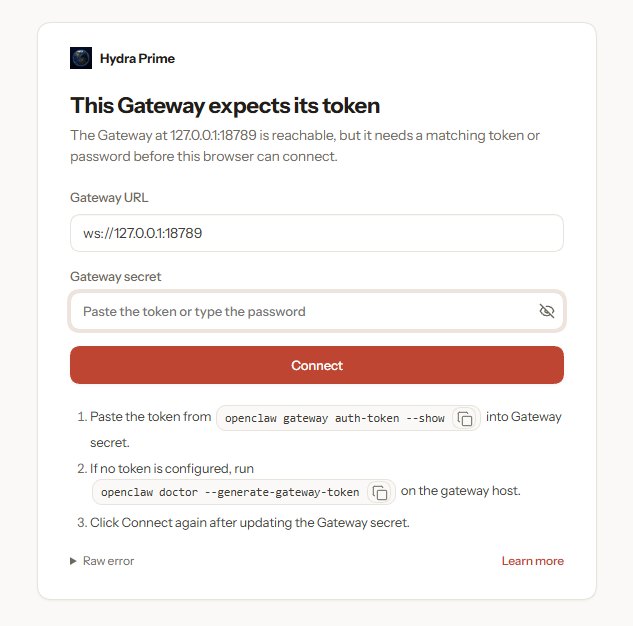
  • Loopback only. Other computers on the network cannot reach it.
  • Its own secret. A browser that does not hold this machine's gateway secret is refused, as the screenshot shows.
  • Clear next steps. The gate explains exactly how the owner connects with their own secret.
Live screenshot Hydra Prime Hub sign-in gate asking for the gateway secret
Live, 31 Oct 2026: a fresh browser without the secret cannot connect.
Earth view

Hydra Earth: call your AI from a globe

Hydra Earth is the phone and desktop front door: a living 3D Earth with one button, Call Hydra Prime. Switch between Bot and World, open the chat, and see HydraBot and 3D holograms right on the globe.
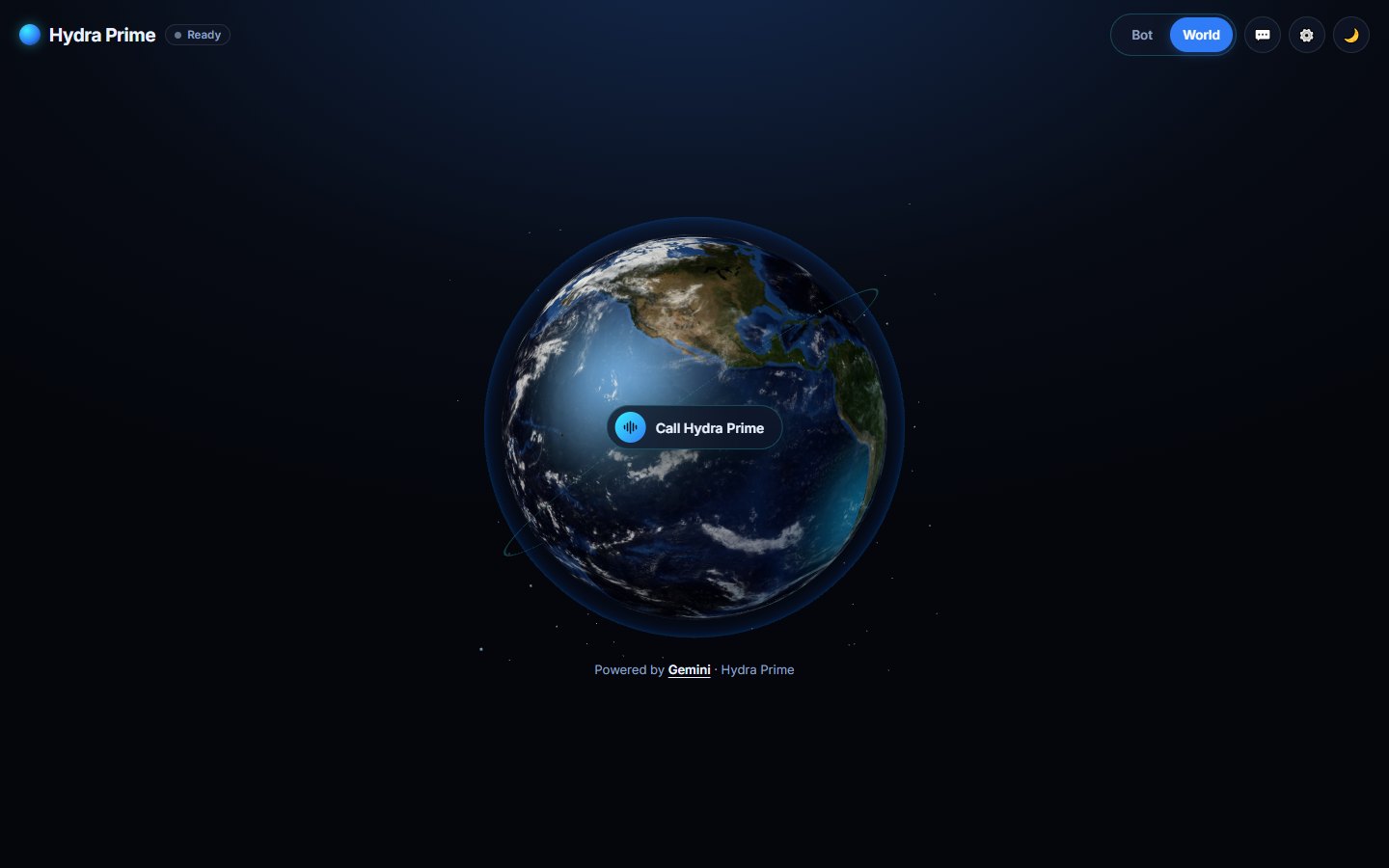
Headless render Hydra Earth page with a 3D globe and a Call Hydra Prime button
Hydra Earth page rendered in a headless browser from its page file, 31 Oct 2026.
Hydra

The three-headed dragon behind the name

Every Hydra decision gets three points of view. The Hydra is the crew's emblem, built in the same style as HydraBot's mini dragon as a real 3D model with three necks and heads.
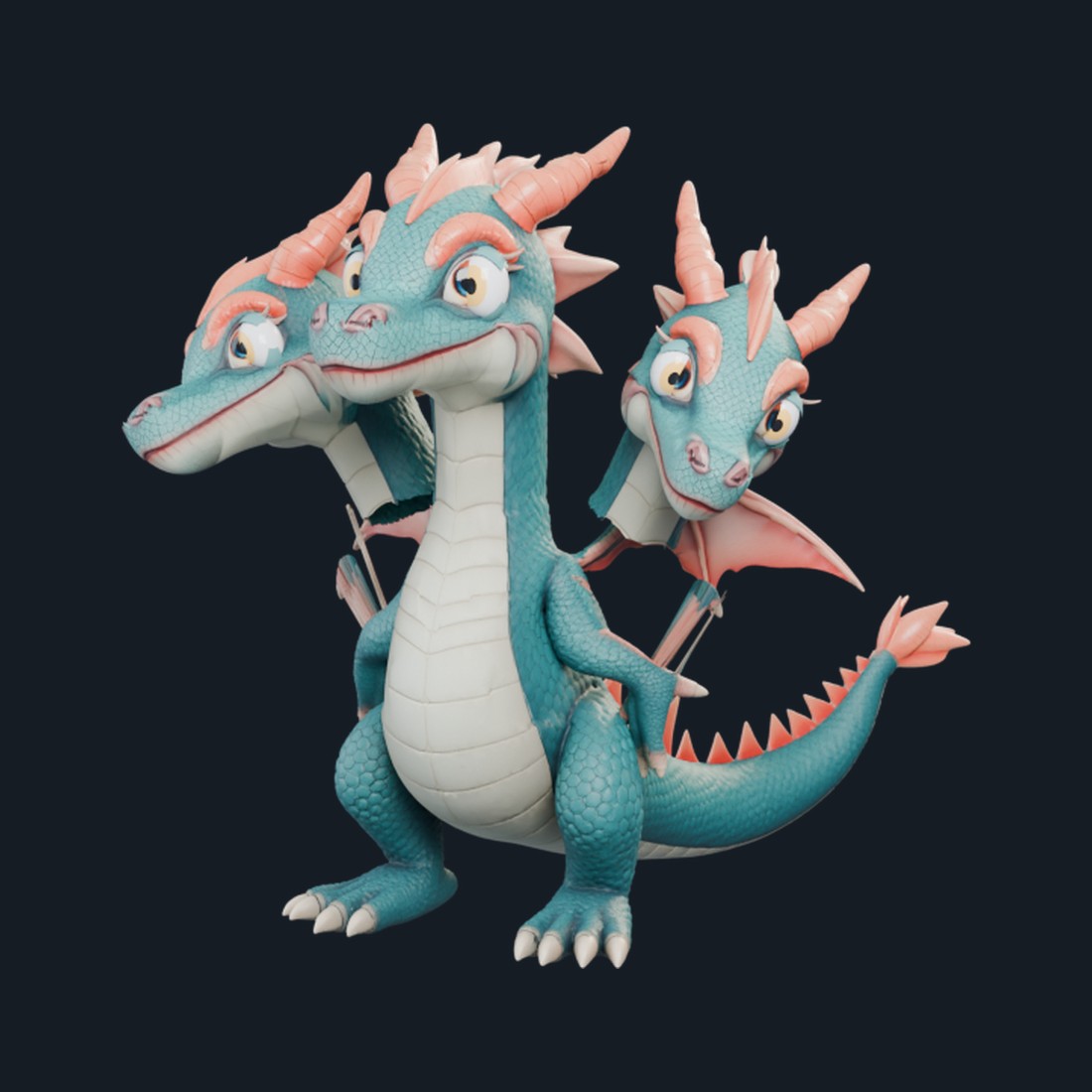
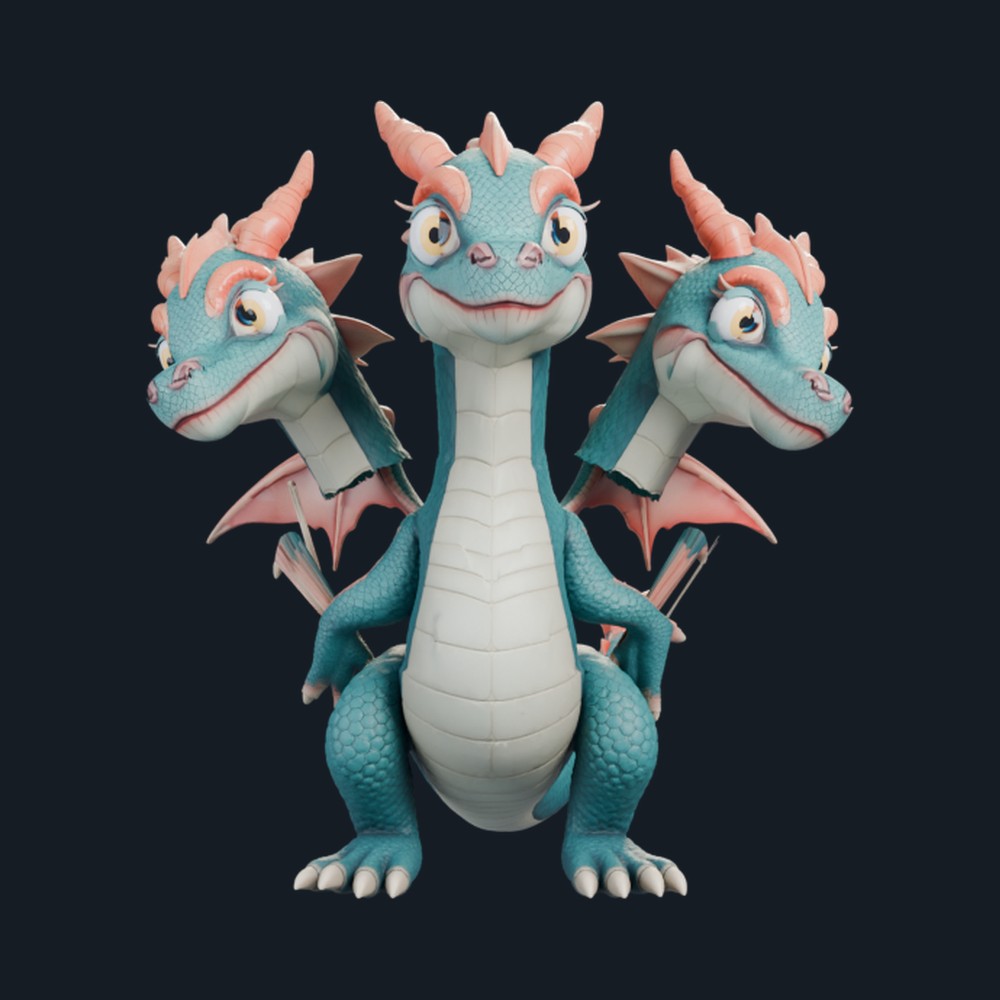
Three-headed teal and coral mini dragon, three-quarter view
Three-headed dragon, front view
Three-headed dragon, side view

Sovereign

Calm and decisive. Weighs the options and makes the call.

Vigilant

Watchful. Keeps an eye on safety, rules and what is running.

Sinister

The dry adversarial tester. Tries to break the plan before it ships.

3necks & heads
456,566triangles
15separate mesh objects
4Ktextures from the mini dragon
Hydra Prime Agent Center

One AI across your PC, phone and web

The Agent Center is mission control. Press Talk to Hydra for voice-to-voice, or type a task. Command sectors put every skill one tap away.
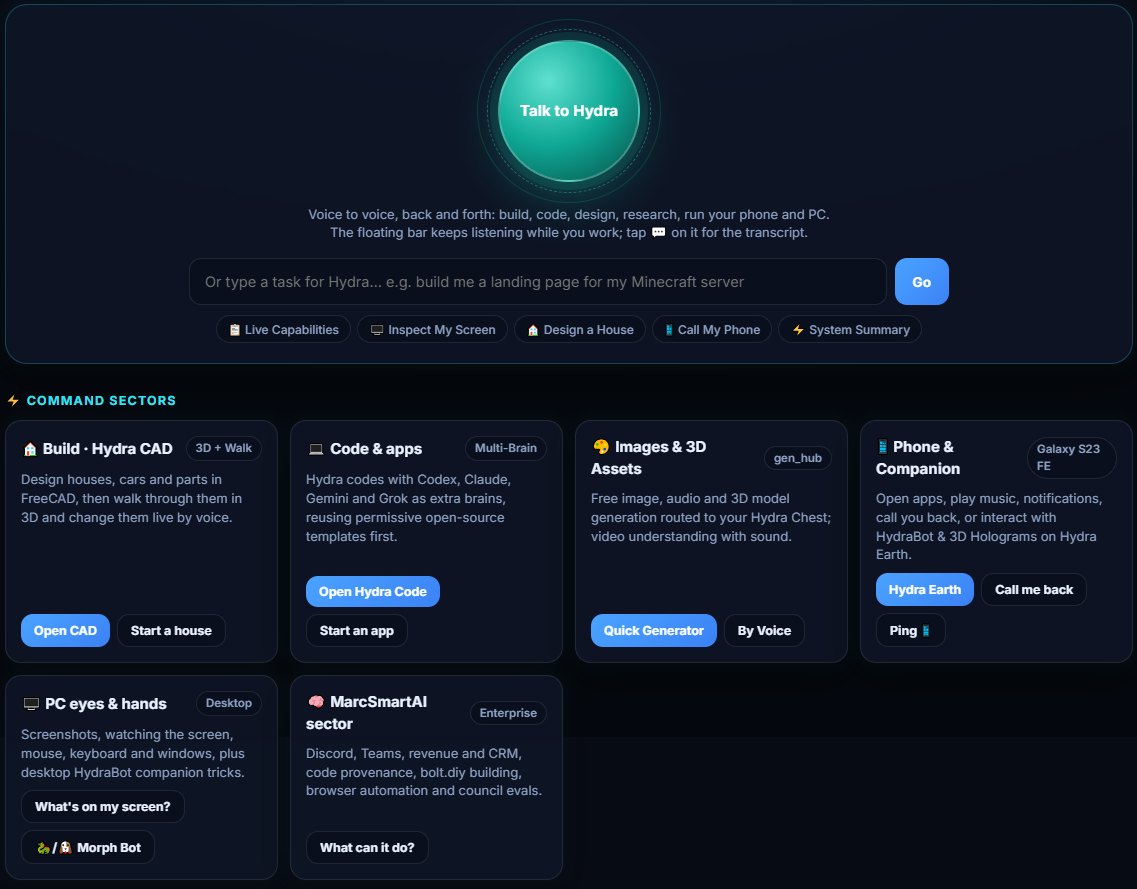
Headless render Hydra Agent Center with a Talk to Hydra button and command sector cards
Agent Center page rendered from its page file, 31 Oct 2026.
  • Build · Hydra CAD. Houses, cars and parts in FreeCAD, walked through in 3D and changed live by voice.
  • Code & apps. Opens Hydra Code or starts a new app.
  • Images & 3D assets. Free image, audio and 3D model generation into your Hydra Chest.
  • Phone & companion. Apps, music, notifications and call-backs through Hydra Earth.
  • PC eyes & hands. Screenshots, screen watching, mouse, keyboard and windows, plus HydraBot tricks.
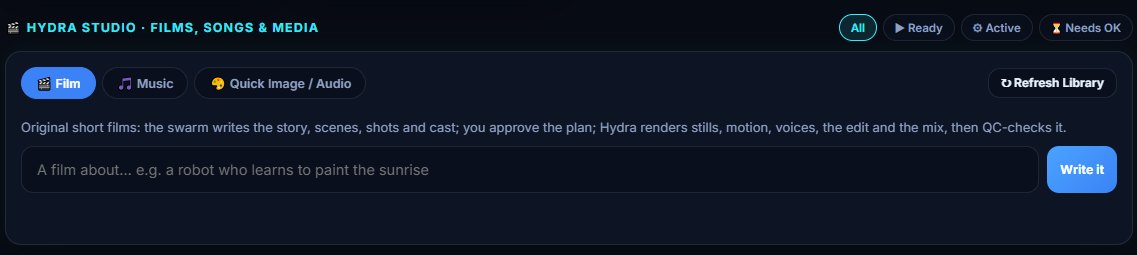
  • Hydra Studio. Films, songs and media: the swarm writes it, you approve, Hydra renders and checks it.
  • Open-source radar. Finds permissive templates, repos, models and datasets before anything is rebuilt.
Hydra Studio panel with Film, Music and Quick Image tabs
Hydra Prime IDE

Hydra Code: an editor with a crew inside

Hydra Code is the crew's own code editor, built on the open-source VSCodium base and rebranded for Hydra. It runs as a desktop app and as a local web IDE, so you can even code from your phone at home.
  • Swarm built in. Cline and Continue are wired to the Hydra Swarm and to local Qwen coder models.
  • Multi-brain coding. Codex, Claude, Gemini and Grok as extra brains, on your own logins.
  • Template-first. Looks for permissive open-source code before writing from scratch.
  • Local web IDE. Served on loopback with its own access token, plus the Hydra Midnight theme.
Hydra Code app icon: three hydra heads around a code bracket
Hydra Code app icon. The live IDE stays behind its session token.
Download

Hydra Prime for Windows

HydraPrimeSetup.exe is a real Windows installer, not a zip. It opens a normal setup wizard where you choose the drive, folder and options; nothing installs until you click Install. The Android app is still on the way: one HydraBot app that checks your phone and sets itself up with as few taps as Android allows.

  1. Run the installer. It isn't code-signed yet, so Windows SmartScreen may warn. Choose More info, then Run anyway, only if you downloaded it from this page.
  2. Choose where. It suggests the drive with the most free space; pick any drive or folder you like. Next time it remembers your choice.
  3. Choose options. Components, desktop shortcut, Start menu entry, and start at sign-in (off unless you tick it).
  4. First-run setup. Sign in with your own accounts (Ollama, ChatGPT/Codex, Cursor, Claude Code) in each provider's own app. No keys or passwords ship in the installer.
  5. Uninstall any time. Settings, Apps, Hydra Prime (HydraBot), Uninstall.

Windows: coming soon - signed installer pending. The installer is not available for download yet.

Opens a setup wizard: choose your drive and options. Windows may show a SmartScreen warning because the installer isn't code-signed yet.

Android: app coming soon. HydraBot-android.apk has not been built or published yet, so there is nothing to download today.

On Android

  • One app, set up for your phone. On first run HydraBot checks your phone's processor, memory, storage and chip, picks Lite, Standard or Plus, downloads only what fits, and sets itself up with one tap.
  • Android asks you twice. Because the app does not come from the Play Store, Android asks you to allow “Install unknown apps” for your browser (once) and to confirm Install. No app or web page can skip that.
  • No silent installs. HydraBot never installs other apps behind your back. Android does not allow that without the Play Store or a company-managed phone.
  • Battery first. Android limits background work to save battery, so hardware sharing, if you turn it on, only runs while charging, on Wi-Fi and idle.

Zero-install option: add this page to your home screen. It opens full-screen and works offline, without the on-device features.

WindowsVersion, build and 64-bit check
CPUCores and threads
GPUVendor and video memory
RAMTotal and free memory
DrivesFree space, SSD or HDD
Trust

Your device. Your AI. Nobody else's.

Once installed, the agent controls only your own device. It is built never to control Marc's computer, Hydra Prime LLC's machines, or anyone else's.

🔒

Only your device

The agent acts on the computer or phone it is installed on, and only that one. No other person's machine is ever in reach, and no one else can control yours.

🏠

Runs locally

The crew runs on your machine. Cloud brains such as Codex, Claude, Gemini or Grok are optional and use only your own logins. No tunnel or remote session connects your install to Hydra Prime LLC's machines. Optional hardware sharing is off unless you turn it on, and even then it only exchanges job pieces, never control of your device (see what you agree to).

🧰

The same capability set

Coding, image generation, video, video game building, web page building, 3D design, voice and the rest, on your own device, each at the status shown in the capability map above.

✅

You stay in charge

Spending money, contacting someone, signing up or posting goes to an Accept card for your approval.
No remote access to Hydra Prime LLC Hardware sharing off by default No API keys needed Free local models where your PC can run them
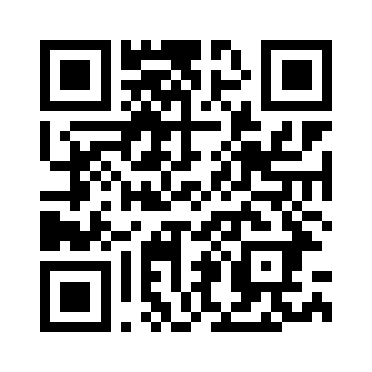
QR code that opens this page on a phone on the same Wi-Fi
Open on your phone

Scan to view this page on your phone

Point your phone camera at the code. It opens this page.

https://hydra-prime.pages.dev

Opens the live page at hydra-prime.pages.dev.