Pill form
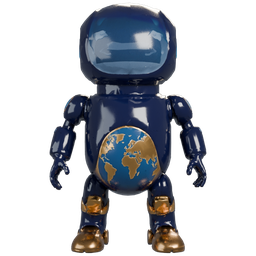
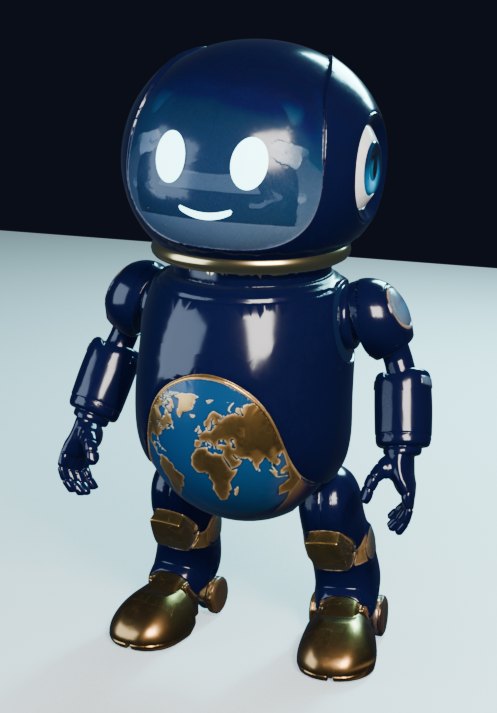
Glass face screen with glowing eyes, a gold equatorial ring and a globe belly. The default desktop body.
HydraBot and Hydra Prime are an AI crew that lives on your own Windows PC, with an Android app on the way. It codes, designs houses and cars in 3D, generates images and video, builds games and web pages, and asks before it does anything that matters. Some parts are still being wired together; the capability map below shows the real status of each one.
Opens a setup wizard: choose your drive and options. Windows may show a SmartScreen warning because the installer isn't code-signed yet.
HydraBot is the face of the crew: a small character that lives on your desktop and listens when you talk. Handing each job to the right tool is being wired up now. It comes in three bodies, all real 3D models built for the project.
Glass face screen with glowing eyes, a gold equatorial ring and a globe belly. The default desktop body.
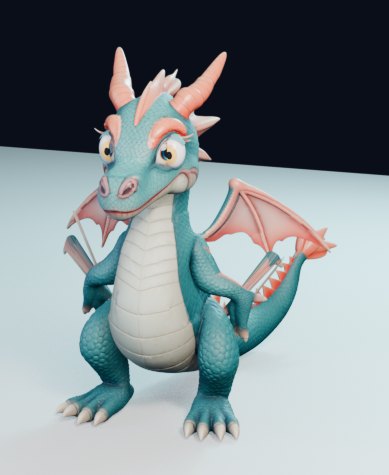
A small rigged Hydra dragon with talking mouth shapes, the playful alternate body.
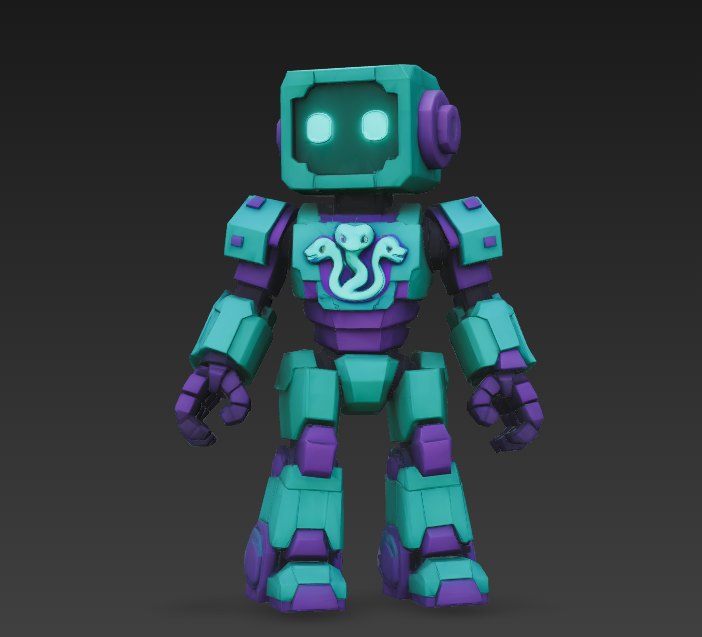
A blocky teal-and-violet robot with the three-headed hydra on its chest, built for game worlds.
Hydra Code, the crew's IDE, codes with Codex, Claude, Gemini and Grok as extra brains, and reuses permissively licensed open-source templates before writing new code.
The gen_hub pipeline makes images and game assets with free local models (ComfyUI SDXL) on your own GPU. No paid API keys.
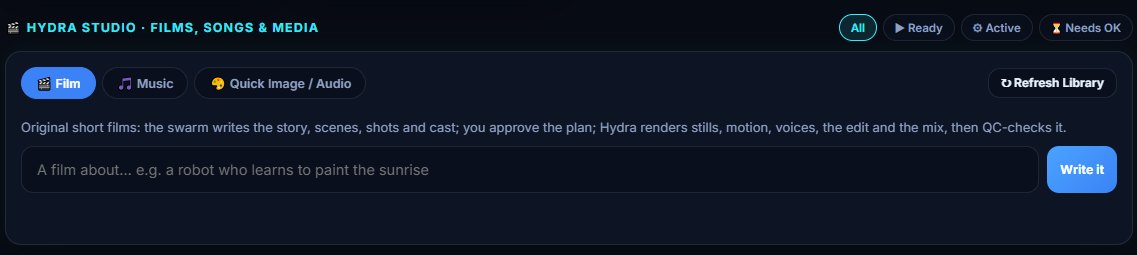
Hydra Studio drafts the story, scenes and shots, you approve the plan, and it renders stills, motion, voices, the edit and the mix.
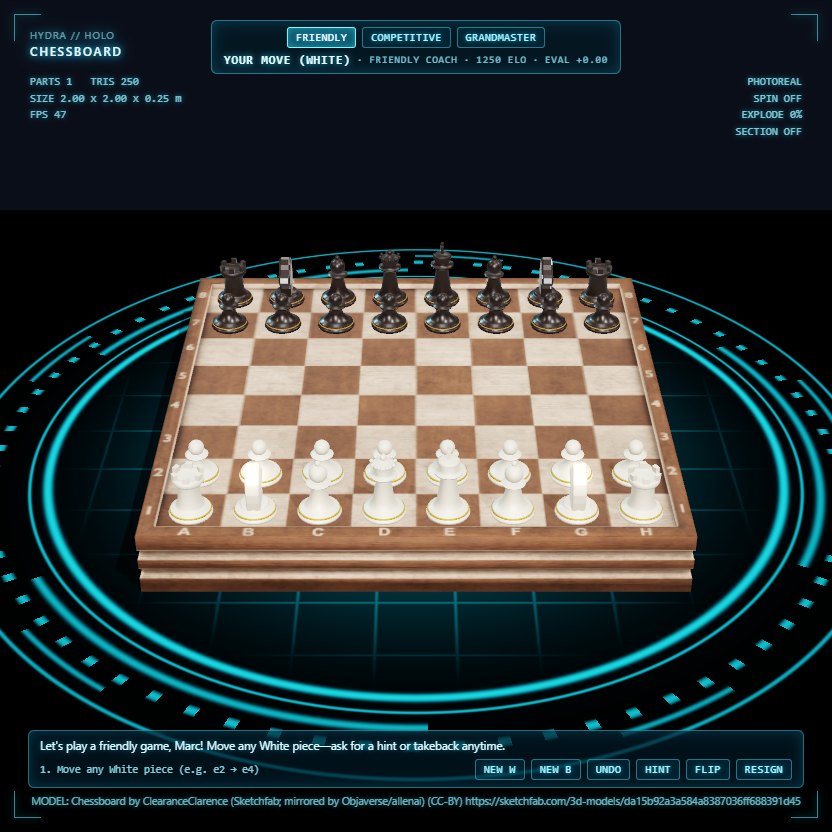
Playable 3D hologram chess with a coach, Minecraft build jobs with receipts and rollback, and game assets on request.
Ask for a landing page in plain words from the Agent Center. This page is the kind of thing it builds.
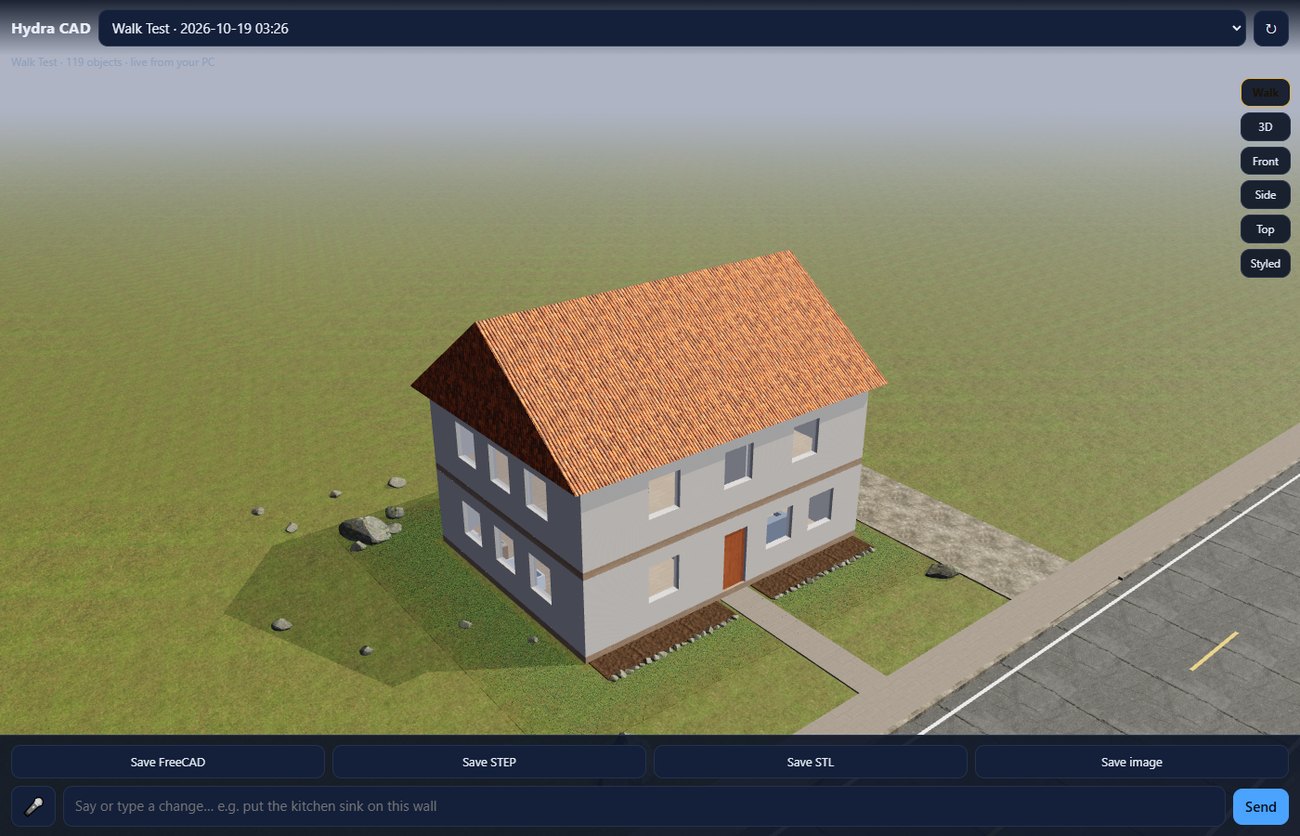
Hydra CAD designs houses, cars and parts in FreeCAD, lets you walk through them in 3D, and exports FreeCAD, STEP and STL.
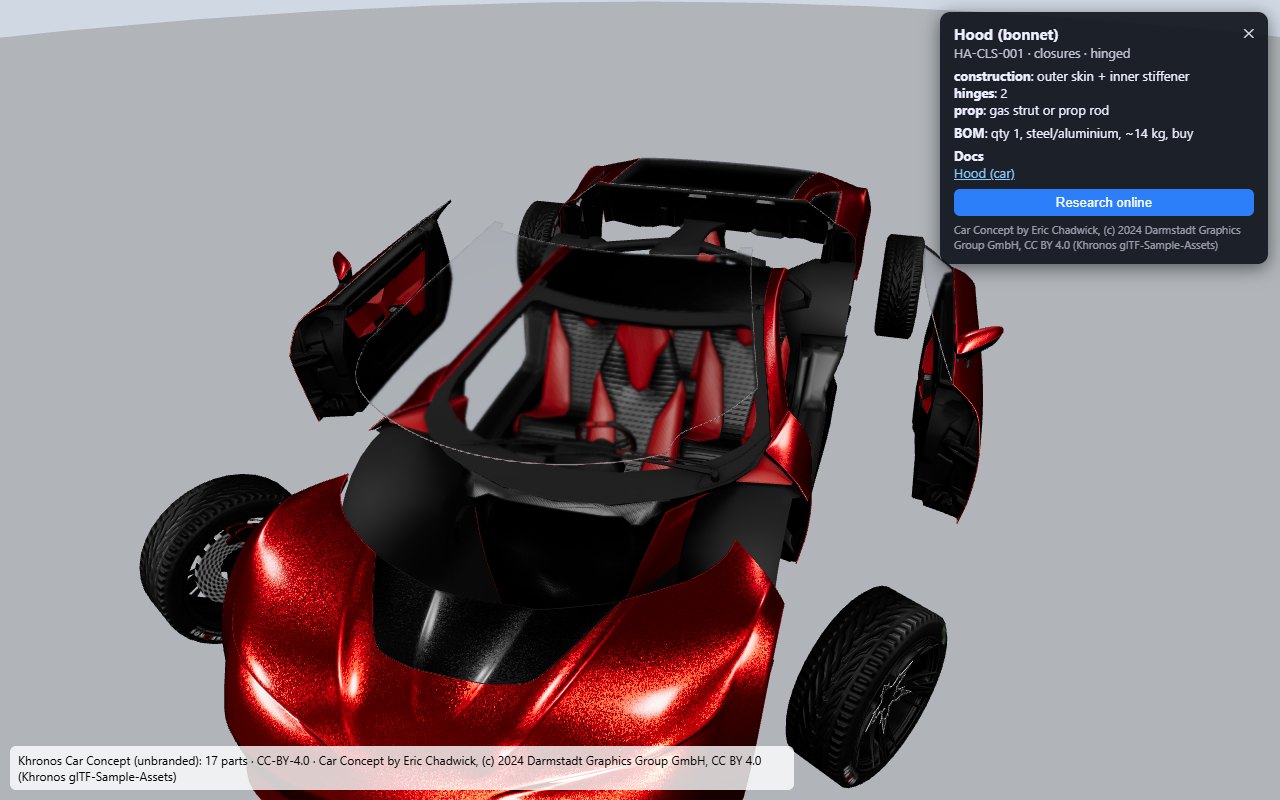
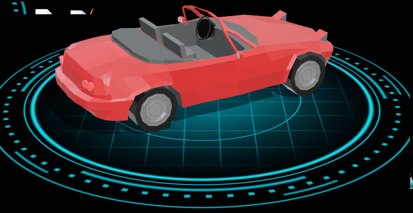
Floating 3D hologram viewer on your desktop with spin, explode, section and isolate views of any model.
Talk bar with wake listening, offline voices (Piper, Kokoro) and local speech-to-text models.
Open apps, play music, handle notifications and get a call back on your Android phone, with HydraBot on Hydra Earth.
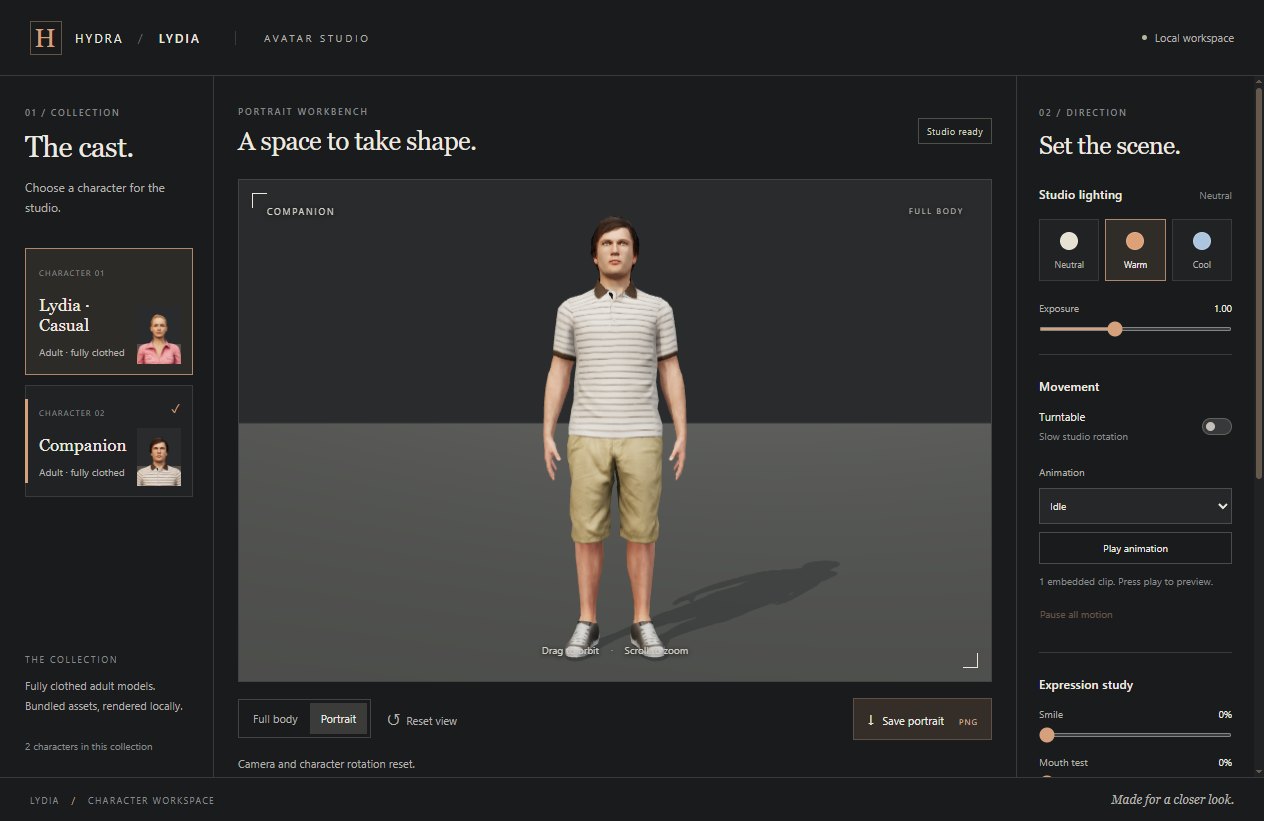
A local character workspace with lighting, turntable, animation and expression studies.
The Accept card gate holds anything that spends money, contacts someone, signs up or posts until you approve it. Routing every tool through it is still in progress.
Backups before changes, a change guard that vetoes unsafe plans, and kill switches that halt everything.
From the HydraBot Capability Map (31 Oct 2026: 4 ready, 11 partial, 3 missing) and the Master Capability List (2 Oct 2026, 145 rows). Statuses are reported as measured, not rounded up.
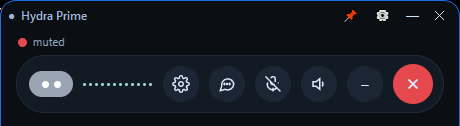
The talk bar sits on top of your work and keeps listening while you do other things. Say what you need and Hydra Prime answers out loud.

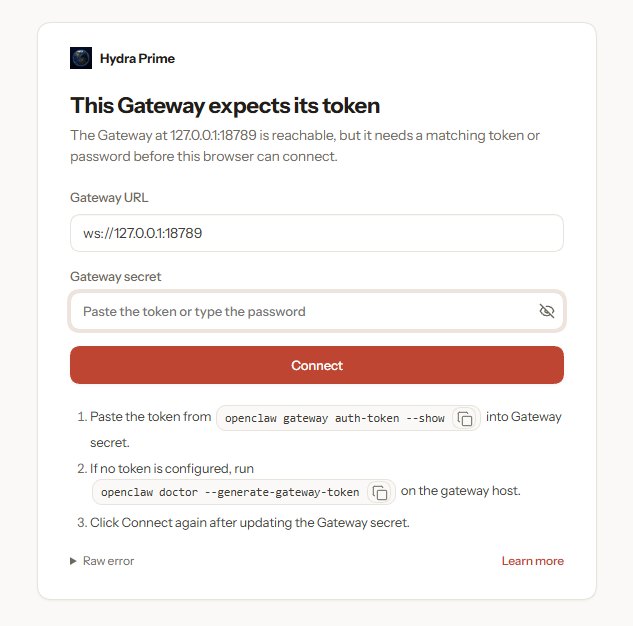
The Hub is the local gateway that runs Hydra Prime's chats, agents, skills and tools. It listens only on loopback, 127.0.0.1:18789, so it is reachable from your own PC and nowhere else.
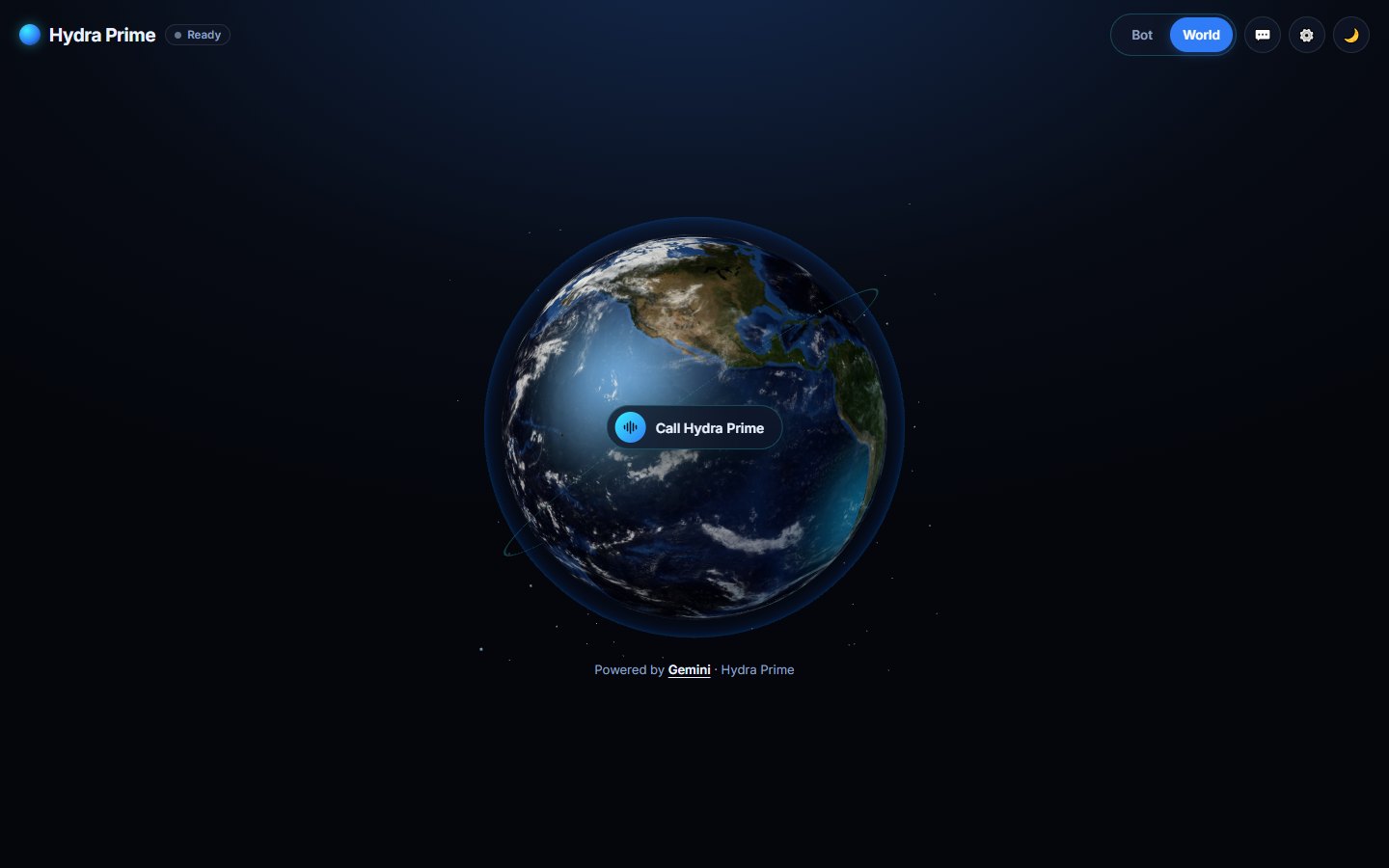
Hydra Earth is the phone and desktop front door: a living 3D Earth with one button, Call Hydra Prime. Switch between Bot and World, open the chat, and see HydraBot and 3D holograms right on the globe.
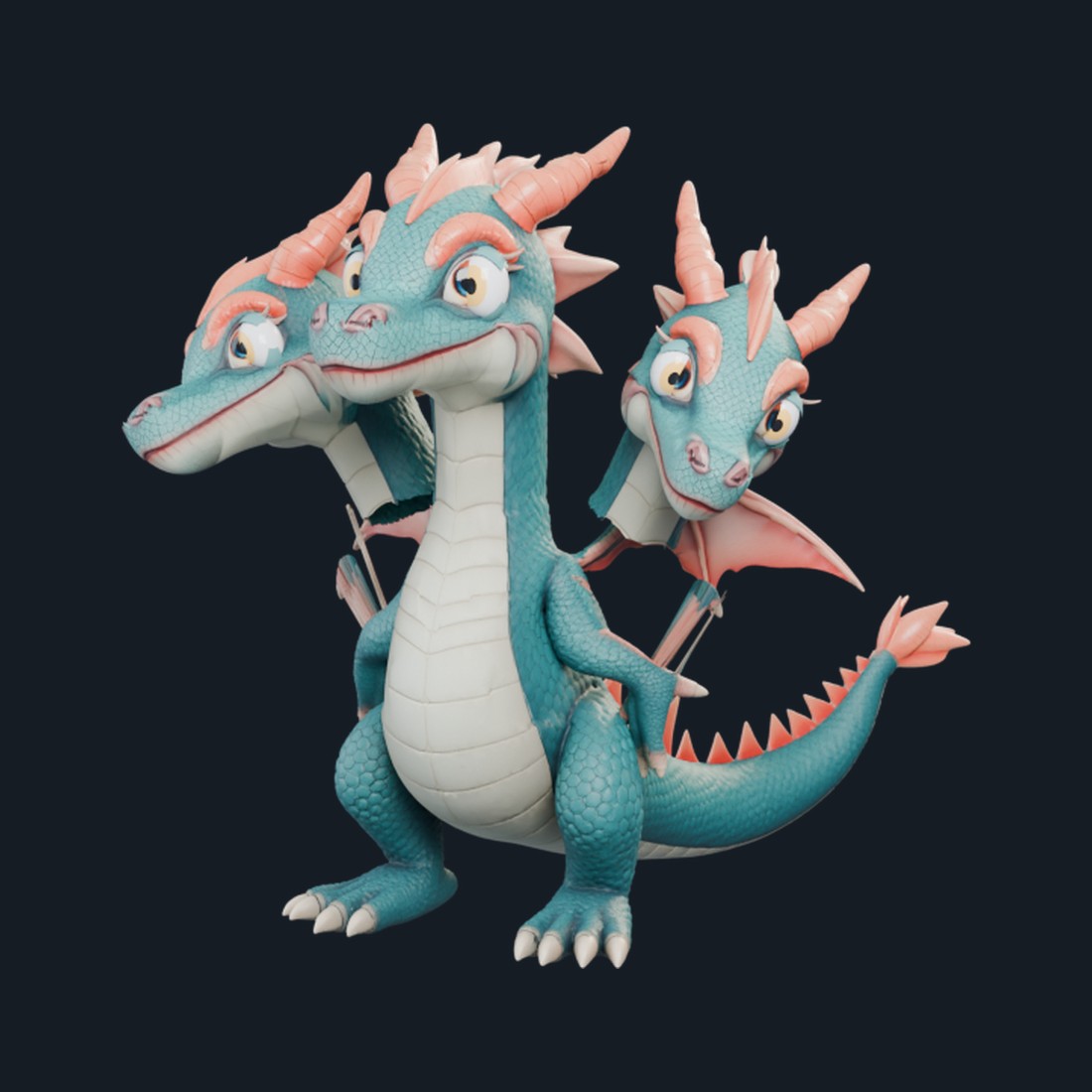
Every Hydra decision gets three points of view. The Hydra is the crew's emblem, built in the same style as HydraBot's mini dragon as a real 3D model with three necks and heads.
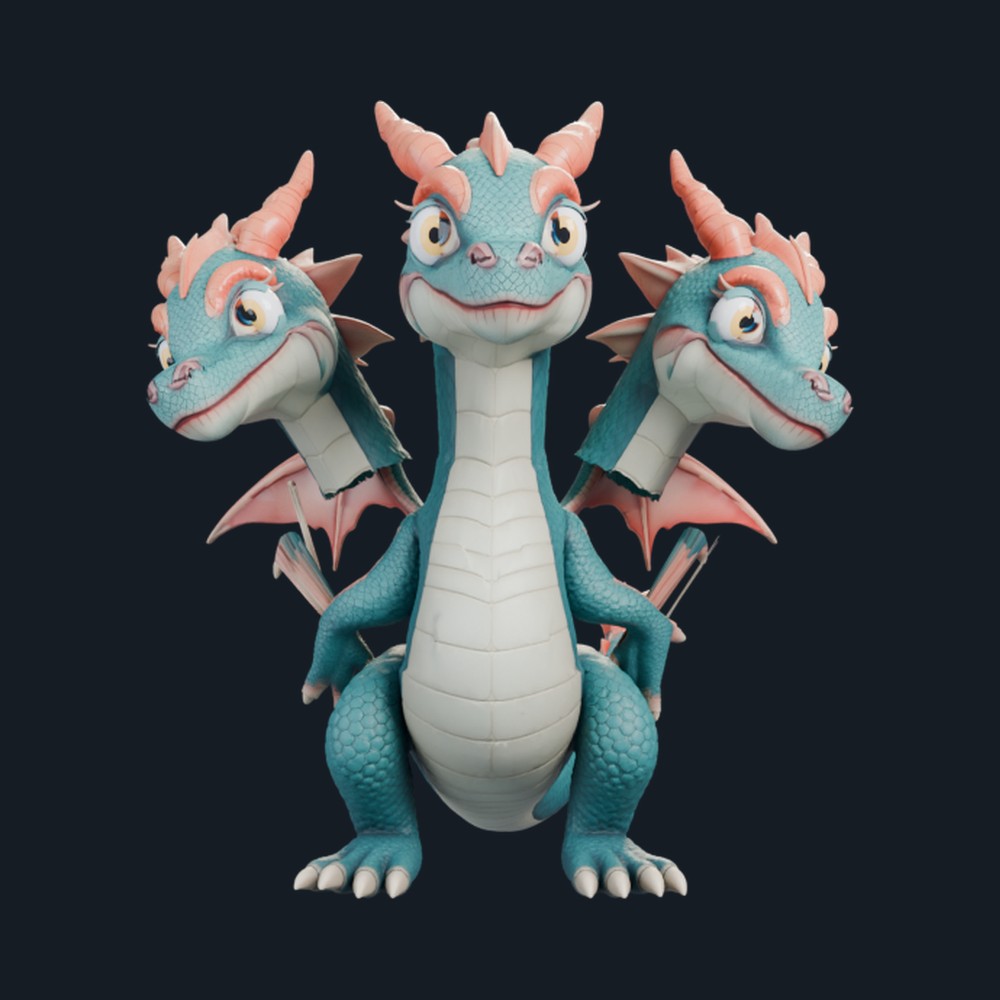
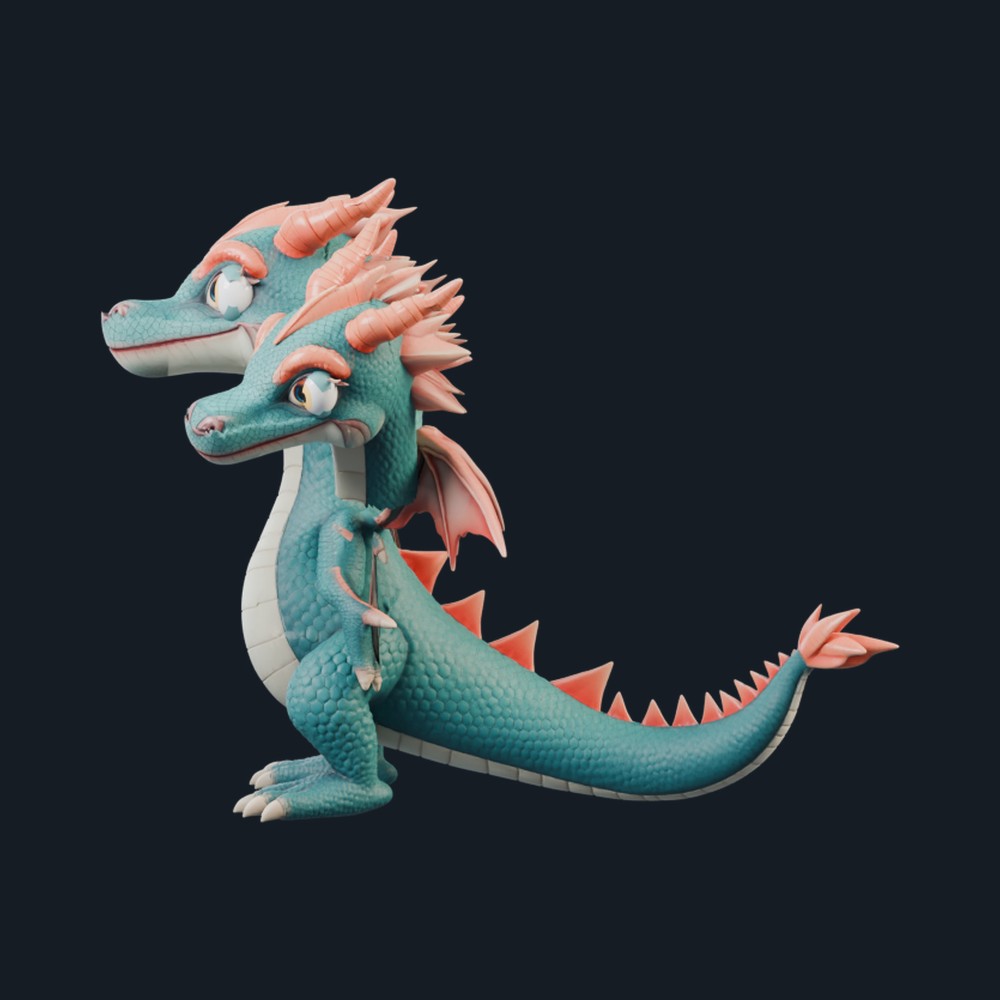
Calm and decisive. Weighs the options and makes the call.
Watchful. Keeps an eye on safety, rules and what is running.
The dry adversarial tester. Tries to break the plan before it ships.
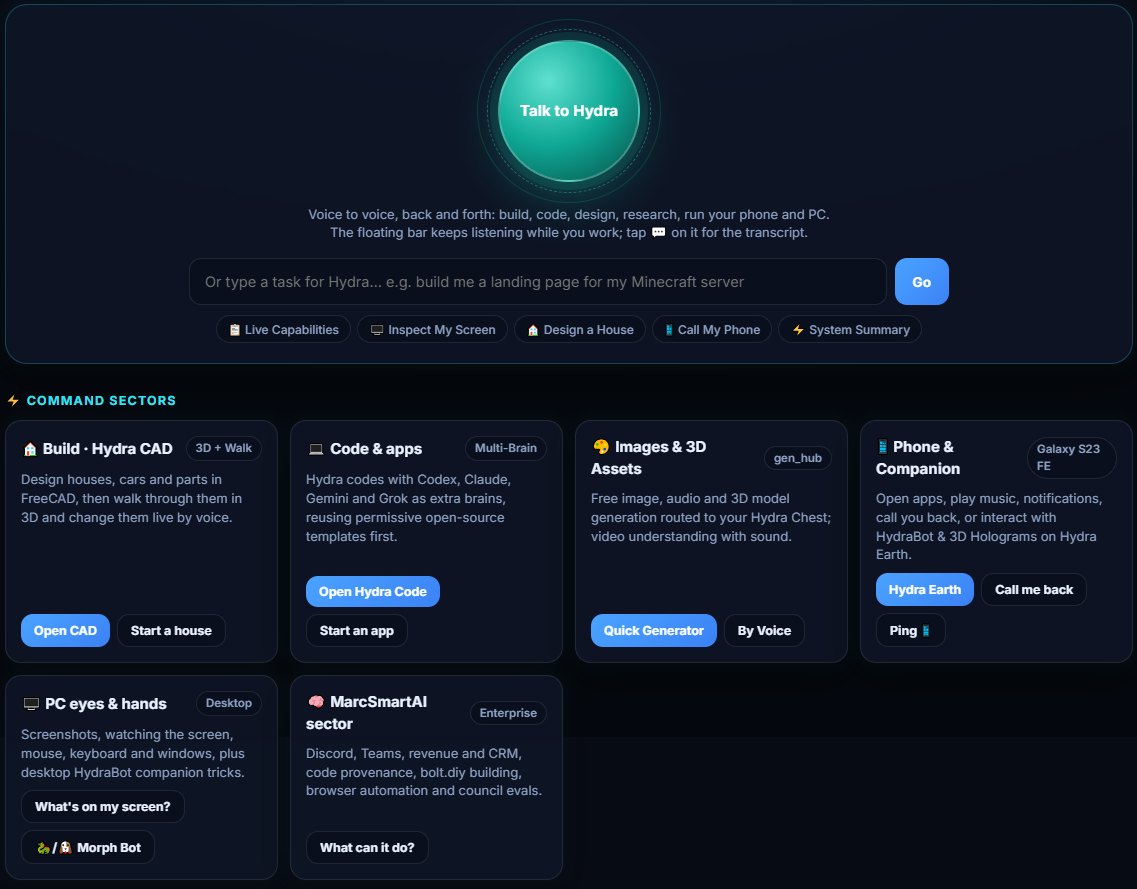
The Agent Center is mission control. Press Talk to Hydra for voice-to-voice, or type a task. Command sectors put every skill one tap away.
Hydra Code is the crew's own code editor, built on the open-source VSCodium base and rebranded for Hydra. It runs as a desktop app and as a local web IDE, so you can even code from your phone at home.
Every image here is a screenshot, a render or a generated image from the Hydra tools. Third-party models are credited in the captions. Click any image to enlarge it.
HydraPrimeSetup.exe is a real Windows installer, not a zip. It opens a normal setup wizard where you choose the drive, folder and options; nothing installs until you click Install. The Android app is still on the way: one HydraBot app that checks your phone and sets itself up with as few taps as Android allows.
Windows: coming soon - signed installer pending. The installer is not available for download yet.
Opens a setup wizard: choose your drive and options. Windows may show a SmartScreen warning because the installer isn't code-signed yet.
Android: app coming soon. HydraBot-android.apk has not been built or published yet, so there is nothing to download today.
Zero-install option: add this page to your home screen. It opens full-screen and works offline, without the on-device features.
Payments are not being accepted yet.
Once installed, the agent controls only your own device. It is built never to control Marc's computer, Hydra Prime LLC's machines, or anyone else's.
The agent acts on the computer or phone it is installed on, and only that one. No other person's machine is ever in reach, and no one else can control yours.
The crew runs on your machine. Cloud brains such as Codex, Claude, Gemini or Grok are optional and use only your own logins. No tunnel or remote session connects your install to Hydra Prime LLC's machines. Optional hardware sharing is off unless you turn it on, and even then it only exchanges job pieces, never control of your device (see what you agree to).
Coding, image generation, video, video game building, web page building, 3D design, voice and the rest, on your own device, each at the status shown in the capability map above.
Spending money, contacting someone, signing up or posting goes to an Accept card for your approval.
Point your phone camera at the code. It opens this page.
https://hydra-prime.pages.dev
Opens the live page at hydra-prime.pages.dev.